Key headings
What is the difference between logical and physical enterprise resource planning integration?
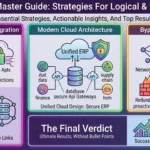
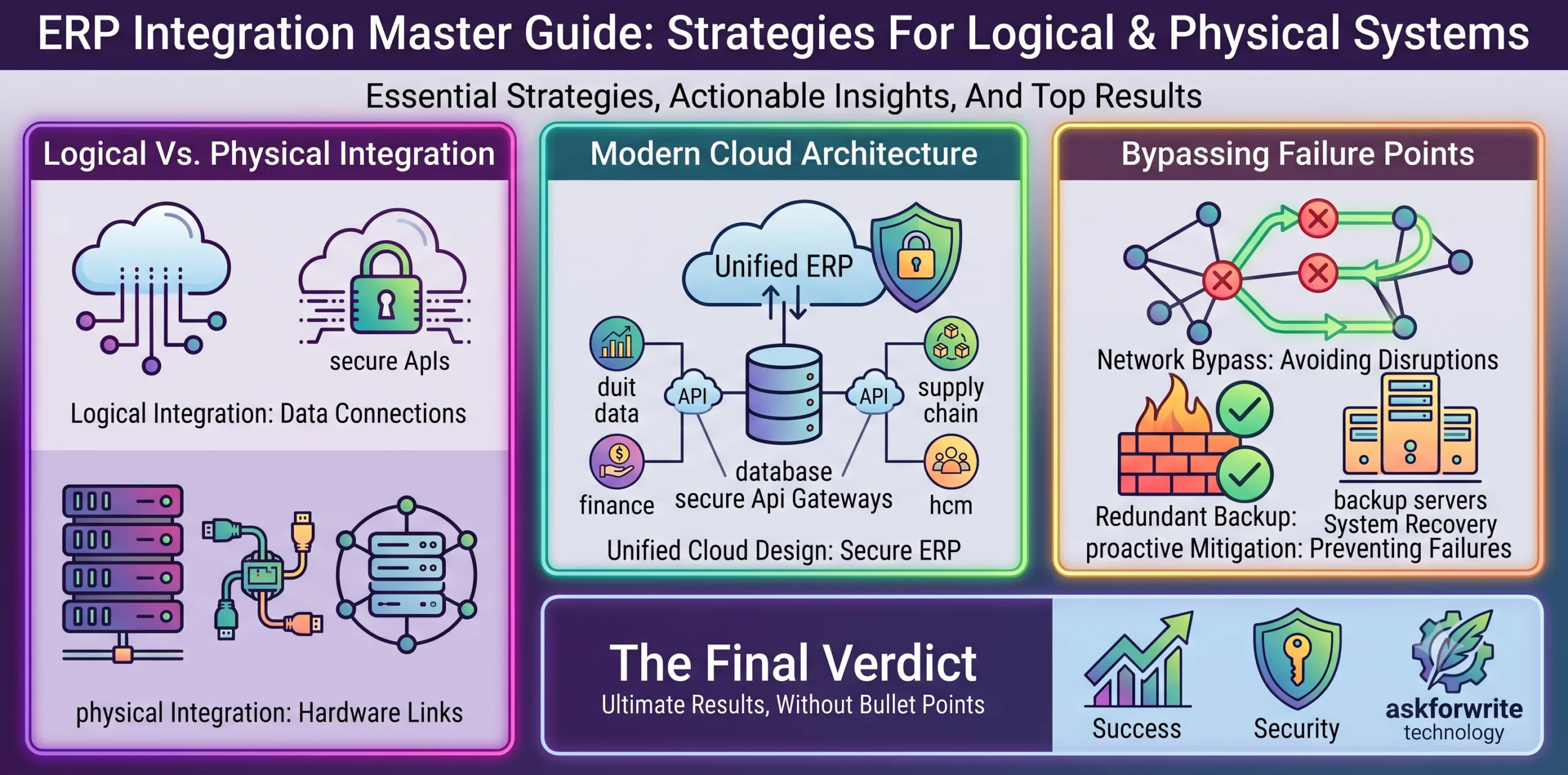
Logical enterprise resource planning integration focuses on business process reengineering, aligning departmental workflows to share data. Physical integration resolves database and network heterogeneity by using middleware and APIs to connect legacy applications to modern cloud ERP infrastructures.
Modern enterprises run on data. Yet, in many organizations, this data is locked inside isolated systems: sales databases don’t communicate with inventory management, and finance has no visibility into procurement. To remain competitive, organizations must execute a comprehensive enterprise resource planning integration strategy that unites functional areas into a single, cohesive digital architecture.
Understanding systems integration: Logical vs. Physical
Achieving a fully connected enterprise requires solving two distinct challenges: how processes align, and how hardware/software packages communicate. Experts divide this work into logical and physical integration.
- Logical Integration: This phase deals with workflows and organizational design. It involves business process reengineering changing how employees work, restructuring departments, and setting up policies so that data is shared logically across functional areas (e.g. Sales, HR, Finance) based on authorization.
- Physical Integration: This phase addresses technical connectivity. It involves writing APIs, configuring middleware, and establishing network bridges to link heterogeneous, legacy hardware and database systems, ensuring seamless data flow.
Without logical integration, physical integration is useless. Connecting two departments technically does nothing if the employees refuse to share information or follow incompatible workflows.
The architecture of modern Cloud ERP Systems
Enterprise Resource Planning (ERP) systems act as the central nervous system of systems integration. Unlike legacy on-premise software, modern cloud ERP architectures leverage modular structures to deliver scalability and real-time data access. The table below compares the core layers of modern ERP integrations:
| Integration layer | Core focus | Key technology used | Business value |
|---|---|---|---|
| Data Level | Unifying database schemas | ETL pipelines, centralized repositories | Eliminates duplicate data entry, single source of truth |
| Application Level | Process-to-process communication | Enterprise Service Bus (ESB), APIs | Automates workflows across different software suites |
| Client Level | Unified user interface (UI) | Single Sign-On (SSO), web portals | Improves employee productivity, reduces learning curve |
Centralizing these layers reduces your infrastructure footprint, improves data security, and enables paperless B2B commerce with supply chain partners via Electronic Data Interchange (EDI).
Bypassing integration failure points
The failure rate of ERP implementations is notoriously high. The main point of failure is rarely technical; it is human. Employees resist changing legacy habits. To ensure success, leadership must prioritise change management, actively training staff on new workflows before the physical systems go live.
Additionally, developers must avoid over-customizing the ERP software. Standard ERP modules come with built-in best practices for common business functions. Lean on these standardized processes to keep your system clean, responsive, and easy to upgrade as cloud technologies evolve.
The final verdict
A fragmented digital infrastructure is a massive drag on business efficiency. By executing logical process reengineering and physical enterprise resource planning integration, you eliminate operational silos and build a scalable foundation for business growth. Audit your legacy systems, identify your middleware requirements, and map out your centralized ERP integration plan today.
Related post